
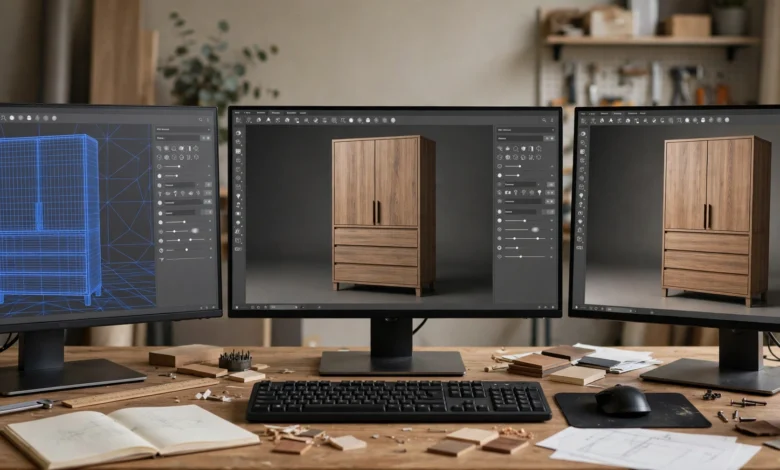
If you are asking sketchup vs fusion 360 for furniture work, the honest answer is that they solve different problems: SketchUp is the fastest way to think in 3D, Fusion 360 is the strongest parametric engineering environment, and Sketch3D-Art is a browser-based specialist built only for furniture, with cut lists and pricing at its core. This comparison teaches you how each tool models, what each does after the model, and how to choose by the work you actually deliver.
Full disclosure before we start: Sketch3D-Art is our own platform, so we will describe its strengths and limits as plainly as the other two, and the table below scores all three on the same criteria.
Key takeaways
- SketchUp wins on learning curve and free-form speed; its furniture precision depends on your discipline and extensions.
- Fusion 360 wins on parametric control and the cleanest path to CNC, at the cost of a steeper learning curve.
- Sketch3D-Art wins on furniture-specific workflow: parametric cabinets, automatic cut lists, nesting and pricing in the browser.
- Your deliverable decides the tool: pretty model, engineered product, or priced, cut-ready furniture.
- Many professionals run a stack, not a single tool — the sections below show sensible combinations.
SketchUp vs Fusion 360 vs Sketch3D-Art: how does each tool actually model?
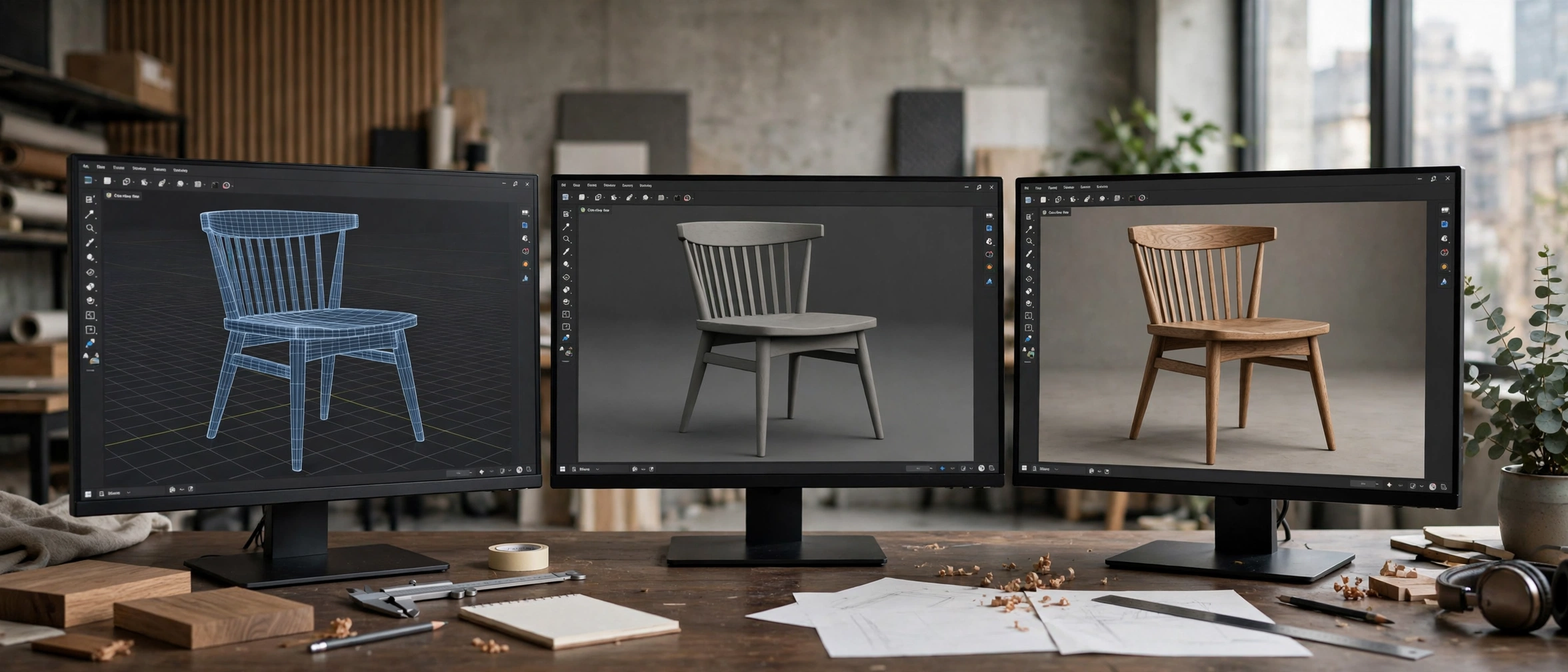
Modelling approach shapes everything downstream. SketchUp pushes and pulls faces directly, which feels like sketching in 3D and makes early ideas almost frictionless. Fusion 360 builds a parametric timeline: sketches drive solids, and changing an early dimension rebuilds the whole model predictably. Sketch3D-Art starts from furniture itself — cabinets, panels and units with parameters — so you assemble designs from parts that already know they are furniture.


What this means at the bench
Direct modelling is fastest until a client changes a dimension; then manual edits multiply. Parametric modelling is slower to learn but makes changes nearly free. Furniture-specific modelling removes generic setup entirely, but only inside the furniture world it was built for.
| Criterion | SketchUp | Fusion 360 | Sketch3D-Art |
|---|---|---|---|
| Modelling approach | Direct push-pull mesh/solid | Parametric timeline, sketch-driven | Parametric furniture units and panels |
| Learning curve | Gentlest; productive in days | Steepest; weeks to fluency | Gentle for furniture makers; furniture concepts only |
| Cut lists | Via extensions or manual work | Possible, but not furniture-native | Built in, with nesting optimisation |
| Pricing / quotes | Manual, outside the model | Manual, outside the model | Built in, from materials and parts |
| CNC path | Via extensions and exports | Integrated CAM — strongest of the three | Exports CNC-ready files (G-code / DXF) |
| Platform | Desktop + web version | Desktop, cloud documents | Browser-based, nothing to install |
| Best fit | Concepts, interiors, quick models | Engineered products, CNC machining | Furniture and kitchen businesses |
Which tool should a beginner choose?
Choose by your first deliverable, not by feature lists. If you need to communicate ideas visually, start with SketchUp and its famously gentle learning curve; the official SketchUp site offers a web version you can try in the browser today. If your first deliverable is a machined part or a product that must be engineered, accept Fusion 360’s steeper climb — its official product page details the integrated CAD/CAM environment. If your first deliverable is a priced kitchen or wardrobe with a cut list, start with the furniture specialist.
A one-project test that settles it
- Pick one real piece you know well — a cabinet or table you have already built or priced.
- Model it in the tool you are testing, at true dimensions.
- Change one overall dimension and note how long the update takes.
- Produce the output you actually sell: a render, a cut list, a quote or a CNC file.
- Score the experience honestly against the table above.
- Repeat only for your top two candidates; then commit for a season, not a week.
This test exposes the truth marketing pages hide: how a tool behaves when dimensions change and deadlines arrive.
Where do cut lists and pricing really live?
In SketchUp and Fusion 360, they live outside the core tool — in extensions, spreadsheets or your head. That works until a dimension changes and the paperwork silently goes stale. In Sketch3D-Art, the cut list, nesting and price are generated from the same parametric model you designed, so a client change updates the parts and the quote together.
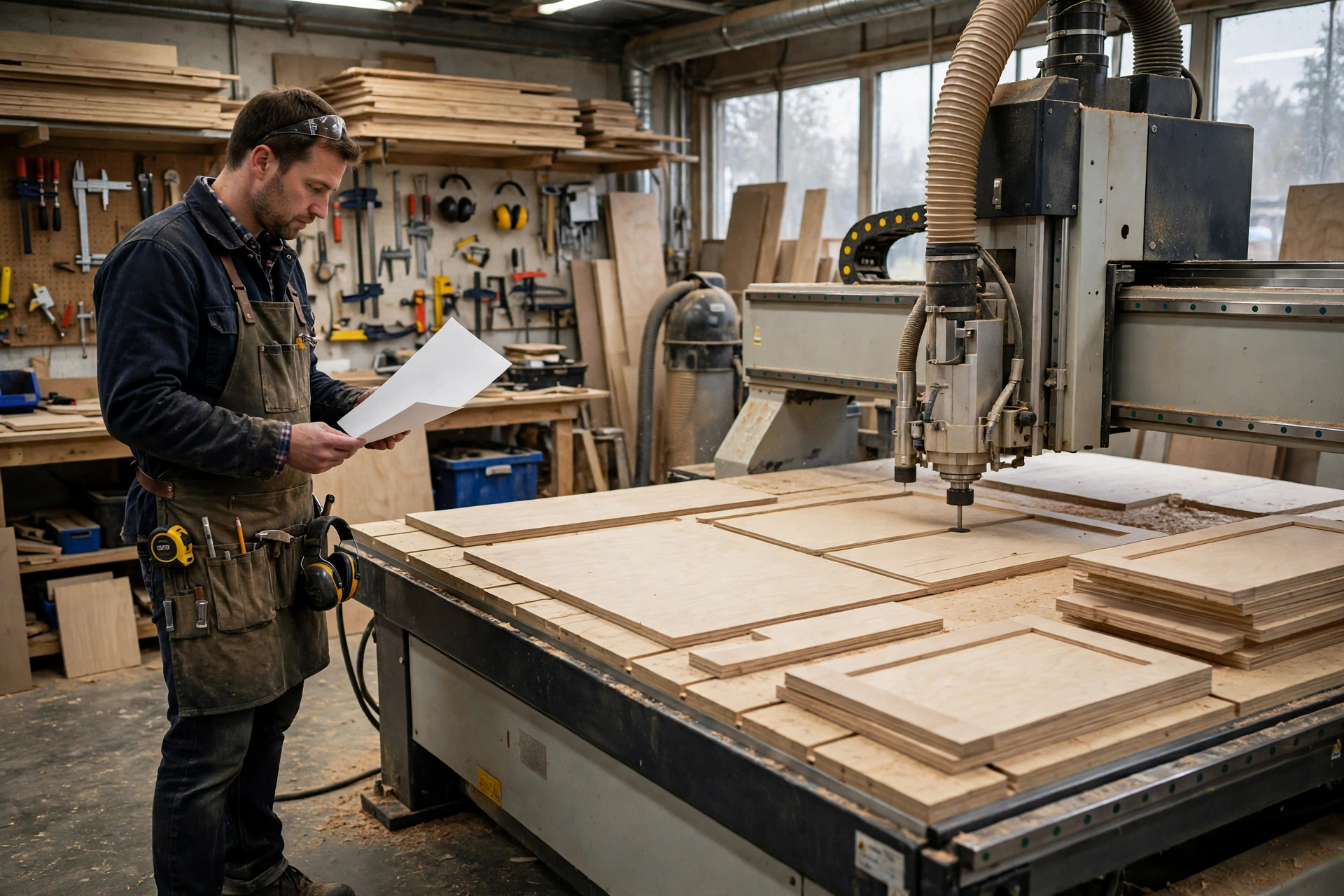
Be honest about the trade-off, though. A furniture specialist cannot model a car body or a turbine; when your work leaves furniture, you need a generalist tool beside it. Our prototyping guide shows how these outputs feed the workshop stage: see the prototyping tools and workflow we recommend for turning models into physical pieces without surprises.
Who each tool fits, plainly
- SketchUp: designers, interior visualisers and makers who think visually and deliver concepts or one-off pieces.
- Fusion 360: product designers and CNC machinists who need engineering rigour and integrated CAM.
- Sketch3D-Art: furniture and kitchen makers who sell priced projects and need cut lists, nesting and exports without CAD overhead.
Can you combine tools into one stack?
Yes, and most mature workshops do. A common stack concepts in SketchUp, engineers special pieces in Fusion 360, and runs priced furniture production through a specialist. Files move between tools via standard exports, and each tool does the job it is genuinely best at. The cost is discipline: one source of truth per project, and clear rules about which tool owns which stage.
Before you start: what you need to decide
- Your primary deliverable: visual concept, engineered product, or priced cut-ready furniture.
- How often dimensions change after client review.
- Whether CNC output is a daily need or an occasional export.
- How much learning time you can honestly invest this season.
What does each tool cost you in time?
Licences get the attention, but time is the real price of a design stack. SketchUp repays you immediately and taxes you later, in manual revisions and paperwork assembled outside the model. Fusion 360 taxes you first — weeks of learning its parametric logic — then repays you on every revision and every machined part. Sketch3D-Art removes most setup for furniture work, and its tax is scope: the day a project leaves furniture, you reach for a second tool.
Estimate your own numbers before choosing. Count how many projects you deliver in a season, how many revisions each one survives, and how many hours paperwork currently eats per project. Multiply honestly. The tool that wins is usually the one that deletes your most repeated hour, not the one with the most impressive demonstration video.
A decision shortcut
- If your week is mostly concepts and client visuals, start with SketchUp.
- If your week is mostly engineered or machined products, invest in Fusion 360.
- If your week is mostly priced kitchens, wardrobes and furniture projects, run Sketch3D-Art as the core and keep a generalist for exceptions.
- If your week is honestly all three, build the stack deliberately and assign each stage an owner tool from day one.
Notice what the shortcut never says: pick the tool your competitor uses, or the one with the loudest community. Your deliverables, your revision pattern and your machine park are the only criteria that survive contact with real deadlines.
Support, files and the people you hire
One underrated criterion: who else can open your files. If you collaborate with workshops, visualisers or junior designers, mainstream tools bring a hiring and handover advantage — more people already speak SketchUp and Fusion 360. A specialist tool counters with focus: a new hire in a furniture business learns a furniture-only workflow faster than a general CAD universe. Weigh your team honestly. The best stack is the one your whole workflow — clients, collaborators and machines included — can actually run every week without heroics.
File longevity matters too. Keep masters in the owning tool, archive neutral exports alongside them, and name versions by date and client decision. Whichever stack you choose, that habit protects you when a project returns two years later asking for one more cabinet.
Common mistakes
- Choosing by feature count. The longest list rarely matches your actual deliverable; the one-project test tells the truth.
- Ignoring the change test. Tools feel similar until a client moves a wall; parametric behaviour is where they diverge.
- Letting paperwork drift from the model. Manual cut lists and quotes go stale silently after every revision.
- Expecting a specialist to be a generalist. Furniture-native tools deliberately trade breadth for depth; plan a stack if your work is broader.
- Switching tools every month. Fluency compounds. Commit for a season before judging.
Frequently asked questions
Is SketchUp good enough for professional furniture?
For concepts and many one-off pieces, yes — professionals use it daily. Its limits appear in parametric changes and production paperwork, where extensions or a second tool usually join the workflow.
Is Fusion 360 overkill for furniture?
For simple casework, often. For engineered, CNC-machined or mechanically complex pieces, its parametric timeline and integrated CAM justify the learning curve. Match the tool to the most complex work you regularly deliver.
What makes Sketch3D-Art different from both?
It is furniture-native and browser-based: you build from parametric furniture units, and cut lists, nesting, pricing and CNC exports generate from the same model. The trade-off is scope — it does furniture deeply rather than everything broadly.
Can I move models between these tools?
Generally yes, via standard 3D and drawing exports, though parametric behaviour does not travel — an imported model arrives as fixed geometry. Keep the editable master in the tool that owns that project stage.
Which tool is best for CNC furniture?
Fusion 360 has the strongest integrated CAM for general machining. For panel furniture, a furniture-native path — design, nest, export G-code or DXF — is often faster end to end. Test both with your real machine files.
Keep learning: this head-to-head is part of a wider shortlist — see how all the main options compare in our guide to the best 3D furniture design software in 2026.
Conclusion
SketchUp for speed of thought, Fusion 360 for engineering depth, Sketch3D-Art for priced, cut-ready furniture. Run the one-project test, watch how each tool handles a dimension change and your real deliverable, and the right stack chooses itself.
Your next step: model one cabinet you know well in your top candidate and time the full path from blank screen to final output. Write the times down — memory flatters familiar tools and exaggerates new ones, while a stopwatch simply reports. Repeat the test after a week of practice before you decide, because day-one speed says more about your habits than about the software. Which stage of your current workflow — modelling, changes or paperwork — costs you the most hours today?




 English
 العربية
 Français