


Choose your 3d model formats by destination, not by habit: glTF (and its single-file form, GLB) for web viewers, AR and real-time engines; USD for collaborative film pipelines and, as USDZ, for Apple’s AR ecosystem; and FBX when you are exchanging animated scenes with game engines and the long tail of desktop 3D tools. Send the wrong format and you lose materials, scale or animation on the way.
The stakes are rising because real-time formats are the fastest-growing segment of the 3D market, according to 2026 market reports: models increasingly end their lives in a browser, a phone or an engine rather than in a still render. This guide teaches you what each format actually stores, where each one belongs, and how to convert between them without the usual casualties.
Key takeaways
- glTF/GLB is the open standard for real-time delivery — compact, PBR-native, and readable by browsers and engines everywhere.
- USD is built for collaboration: many artists, many tools, one composed scene, with USDZ serving Apple’s AR.
- FBX is the entrenched exchange format for animation and game pipelines, despite being a proprietary Autodesk format.
- Materials, units and animation are the three things conversions most often break — check them first, every time.
- Always keep your master file in your authoring format; every delivery format is a copy, never the original.
What is glTF, and why do people call it the JPEG of 3D?
glTF is an open format from the Khronos Group designed to move 3D scenes between applications and, above all, to deliver them efficiently to real-time renderers. People call it the JPEG of 3D because it aims to do for models what JPEG did for photos: one compact, standardised file that opens everywhere and loads fast. It stores geometry, PBR materials, textures, cameras, lights and animation in a structure engines can use with minimal processing.




In practice you will meet two forms. A .gltf file is a JSON description accompanied by separate binary and image files; a .glb packs everything into one binary file. GLB is what you want for delivery — one file, nothing to lose, nothing to mislink. glTF’s material model is metallic-roughness PBR, which happens to be exactly how modern engines and product viewers shade furniture: wood, fabric and metal translate predictably, which is one reason the format has become the default for online product configurators.
What is USD built for?
USD — Universal Scene Description, created at Pixar — is built for collaboration on big scenes: many artists and departments contributing layers that compose into one final scene without overwriting each other. A modeller’s layer, a lighting layer and a layout layer stack together, and any of them can be revised independently. That layering, plus strong support for variants and instancing, makes USD the backbone of modern film and VFX pipelines and an increasing presence in large archviz and product-visualisation teams.
The USD flavour you will meet most often as a furniture or product person is USDZ: a zipped, self-contained USD package that Apple adopted for AR. Put a USDZ of a chair on a product page and an iPhone user can view that chair at full size in their room. If your destination is Apple’s ecosystem or a studio pipeline, USD is your format; if your destination is a web page, glTF usually reaches more browsers with less fuss. Neither is “better” — they were born for different jobs.
Why is FBX still everywhere?
FBX is still everywhere because it arrived early, came from Autodesk, and learned to carry the things productions care about: skinned characters, animation, cameras and complex hierarchies. Game engines import it natively, motion-capture pipelines speak it fluently, and decades of archived projects store it. When a client, an engine or a colleague asks for “the model”, FBX is very often what they mean.
Its weaknesses are the mirror of its age. FBX is proprietary, so support outside Autodesk’s own tools relies on an SDK and reverse engineering, with occasional quirks. Its material definitions predate modern PBR workflows, so a beautiful material in one program can arrive flat in another. And it was never designed for the web — files are heavy and browsers cannot read them natively. Treat FBX in the role it earned: an excellent interchange format between desktop tools and engines, and a poor delivery format for customers.
| Format | File forms | Best at | Watch out for | Typical home |
|---|---|---|---|---|
| glTF | .gltf + assets, or single .glb | Real-time delivery, web viewers, product configurators | Limited material extensions beyond core PBR | Browsers, engines, online stores |
| USD | .usd, .usda, .usdz | Collaborative scene assembly, variants, film pipelines, Apple AR | Heavier tooling; overkill for a single product file | VFX studios, Apple AR, large teams |
| FBX | .fbx | Animation and scene exchange between desktop tools and engines | Proprietary; dated material model; not web-friendly | Game pipelines, mocap, legacy projects |
| OBJ | .obj + .mtl | Simple static geometry exchange | No animation, weak materials, separate texture files | Quick geometry hand-offs, 3D printing prep |
Before you convert: what to check in the source file
Most conversion disasters are source problems discovered too late. Before converting anything, open the master file and verify four things:
- Units and scale. Know whether the scene is built in metres, centimetres or millimetres, and what the target application expects.
- Naming. Sensible object and material names survive conversion and make faults findable; “Mesh_047” does not.
- Texture paths. Textures should live in one folder with relative references, ready to be packed or re-linked.
- Modifiers and history. Apply or collapse anything the destination cannot interpret, on a copy — never on the master.
This is the same discipline as checking a model before a client render, and our guide to prototyping 3D designs covers the broader habit of validating work before it leaves your desk. Ten minutes here saves the embarrassing email later.
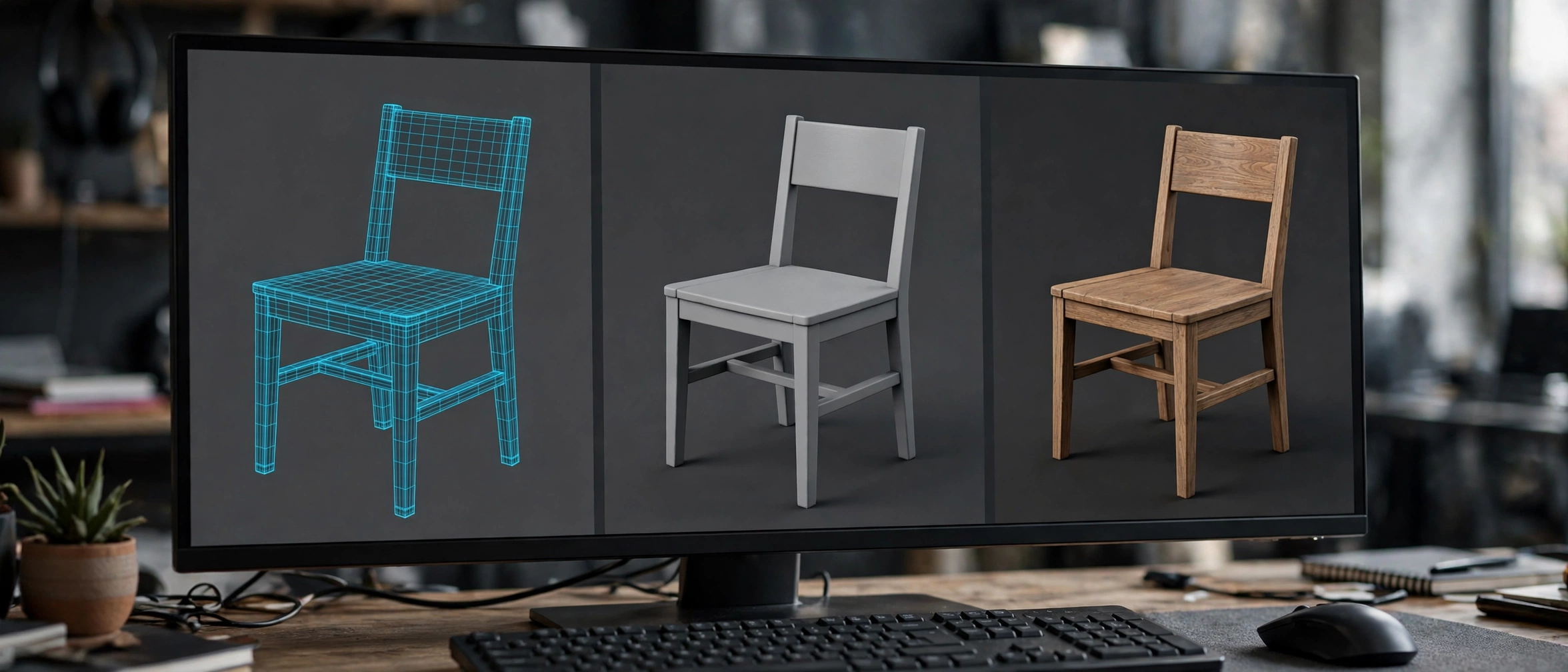
Which 3D model formats should you send? Choose by destination
Web and AR product viewers
Send GLB. Browsers and viewer libraries read it natively, materials follow the PBR model those viewers use, and a single file cannot lose its textures in transit. If the audience is specifically Apple devices and AR Quick Look, add a USDZ twin of the same model. Two exports, one master — that pairing now covers essentially every phone and browser a customer might use.
Game engines
Follow the engine’s own preference. Unreal and Unity both import FBX happily, and FBX remains the safe choice for animated or rigged content. For static props, glTF imports cleanly into both and is gaining ground, especially where the same assets also serve a web viewer. When in doubt, ask the person receiving the file — engine pipelines have opinions, and a five-minute question beats a re-export.
Film and VFX pipelines
Send USD, or expect to be asked for it. Studios build their pipelines around USD’s layering: your model arrives as one layer among many, referenced rather than baked in. Deliver clean topology, real-world scale and tidy naming, and keep materials simple and standard — the studio’s look-development team will rebuild the finish to match the production anyway.
Archviz and desktop exchange
FBX remains the common currency between desktop tools — the visualiser’s program will almost certainly accept it. For static furniture with no animation, also consider sending the native file of the receiving program if you share it, since nothing beats no conversion at all. Whatever you send, include the textures in one folder and say what units the file uses.
Conversion pitfalls that break models
Three things break in conversion so reliably that you should check them before anything else. Scale is first: a chair modelled in millimetres opened in a metres-based scene arrives the size of a building or a thumbnail, and every format pair has its own unit conventions. Materials are second: each format defines shading differently, so roughness values, transparency and fabric sheen need re-checking, and occasionally rebuilding, on the far side. Animation is third: rigs, constraints and simulations rarely survive translation intact, and baked animation is the usual workaround.
Convert safely, in this order:
- Save and keep the master file untouched in your authoring format.
- Export a copy into the target format with textures packed or collected into one folder.
- Open the converted file in the destination application and check overall scale against a known dimension.
- Inspect the materials on your most complex surface — fabric or brushed metal will reveal problems first.
- Play any animation through once, watching the joints and extremes of the motion.
- Open the file in a second, neutral viewer as a final sanity check before sending.

Common mistakes
Sending FBX to the web. Browsers cannot open FBX, and bolting on converters produces heavy, fragile results. If the destination is a browser or a phone, the answer is GLB (and USDZ for Apple AR), full stop.
Assuming materials survive conversion. Geometry is the easy part; shading is where formats disagree. Always inspect the converted file’s materials before delivery, especially anything transparent, metallic or fabric.
Deleting or overwriting the master. Every delivery format is a lossy snapshot. The moment you keep only the export, every future format request becomes a conversion of a conversion. Masters stay in the authoring format, archived.
Ignoring units. “It opened tiny” is a units bug, not a mystery. State your units when you send a file, and verify scale on arrival with one known measurement.
Shipping enormous textures. A web viewer does not need the 8K texture set from your render scene. Oversized textures are the main reason real-time models load slowly; export delivery-sized textures for delivery formats.
Frequently asked questions
Is GLB the same thing as glTF?
GLB is glTF in a single binary package: the same scene description, with textures and geometry embedded in one file instead of sitting alongside it. Anything that reads glTF reads GLB. For sending files to other people, GLB is almost always the better choice because nothing can get separated or lost.
Can I convert FBX to glTF without losing anything?
Geometry, hierarchy and most animation convert well. Materials are where losses creep in, because FBX’s older material model does not map perfectly onto glTF’s PBR model — expect to review and adjust roughness, transparency and fabric finishes after conversion. For static furniture the result is usually very close; for hero products, check the flagship materials by eye.
Which format do I need for AR on an iPhone?
USDZ. Apple’s AR Quick Look is built around it, and iPhones and iPads open USDZ files directly from a web page or message. Many product teams export both USDZ for Apple devices and GLB for everything else from the same master model, which covers the whole mobile audience.
Is OBJ obsolete?
For delivery and animation, yes — OBJ carries no animation and only basic materials. As a lowest-common-denominator geometry exchange it still earns its place: almost every 3D program ever written can open one. Use it for quick static hand-offs and print preparation, not as a format you build a pipeline on.
Which format do 3D marketplaces and clients prefer?
Increasingly, both: sellers and studios are expected to supply the native or FBX version for production work and a GLB for preview, configurators and web use. Real-time formats are the fastest-growing part of the market, so the GLB is rapidly becoming the non-negotiable half of that pair. Collections sold for scenes and gardens — like the ones in our roundup of Japanese zen garden 3D models — are exactly the content buyers now expect to preview in real time. When a brief names only one format, match the destination, not the habit.
Keep learning: formats decide how a model travels, but its materials decide how it looks on arrival — our explainer on PBR textures for 3D models shows what buyers and renderers actually check.
Conclusion
The format question has a simple logic once you see it: glTF/GLB delivers to browsers, phones and engines; USD organises collaboration in film pipelines and serves Apple’s AR as USDZ; FBX remains the veteran exchange format between desktop tools and game engines. Choose by where the model will live, protect the three fragile things — scale, materials, animation — and keep your master file sacred.
Your next step: take one model you deliver often, export it as GLB, and open it in a free web viewer to see exactly what your customers see. You will learn more from that one check than from any specification — including, very often, that a material needs fixing.
Which format has caused you the most conversion pain so far — and what broke when it did?





 English
 العربية
 Français